Does GTA 6 have first person? No, but there are three ways to get close
No: GTA 6 has no first-person mode you can switch on and keep while you play, like the one GTA 5 has had since 2014. You play in third person, on foot and in cars. A first-person view only shows up in three specific situations: when you aim through a scope, when you stop to look around and when you take out your phone. Below are the controls for each, how to change the camera distance and what you can adjust in the menu.
The three ways into first person
- Aiming through a scope. Fit a sight to your weapon at an Ammu-Nation, under Attachments > Optics. Then hold L2 (LT) to aim and press R3 (click the right stick): you look through the scope. You can’t walk while aiming this way. Leave with R3 or by releasing L2.
- Looking around while standing still. Push Square gives the same gesture, L2 held plus R3, even without a scope, with R2 (RT) to zoom: handy for reading a distant sign or studying a building before a robbery. As soon as you move, you’re back in third person.
- The phone. When you take it out, the camera switches to first person. Game Rant points out this works in cars too (up on the D-pad): technically you’re driving in first person, but the phone covers half the screen.
How to change the camera
On foot and in cars the third-person camera has three distances: near, medium and far. According to Push Square, in a car you pick one by holding down on the D-pad and pressing Square (X on Xbox); The Nerd Stash describes the same camera button in the quick menu, opened with down on the D-pad on foot and with left while driving. If your input doesn’t respond, check the mapping under Settings > Controls.
Cars also have the cinematic camera: with the vehicle moving, hold down on the D-pad and press Options (Menu). It’s the same shot that starts auto-drive to the waypoint on your map, explained in the guide to the settings to change right away.
What you can adjust in the menu
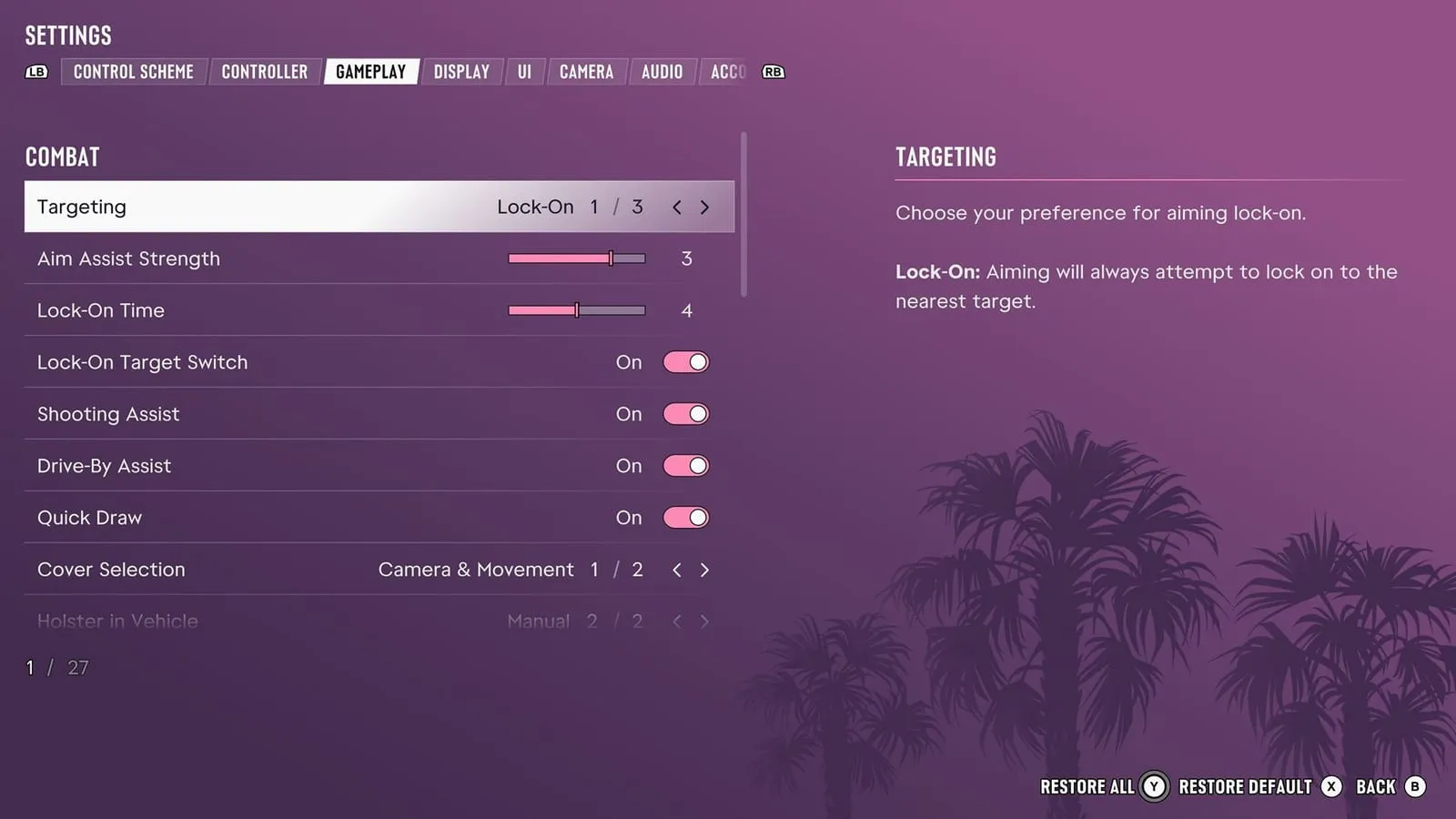
Under Settings > Camera you’ll find camera height, how fast the camera follows your character, shake and sway. TechRadar’s review lists exactly angles, shake and sway among the options: if camera motion bothers you, those are the first settings to turn down.
A field of view (FOV) slider for normal play, on the other hand, isn’t reported by any reliable source. If you’re coming from GTA 5 and want a “wider” view, for now the far camera distance is all you get.
Will first person come later?
Nobody knows. Before release, during the preview held at Rockstar North for YouTuber Davy Jones, Rob Nelson (co-studio head of Rockstar North) explained that the game is built around third person, as Beebom reports. Rockstar hasn’t announced a first-person mode for the future, neither in an update nor for a PC version, which isn’t announced either. GTA 5 only got it with the PS4 and Xbox One re-release in November 2014, more than a year after the original launch: a precedent, not a promise.
The other control differences from the previous game are in our GTA 5 vs GTA 6 comparison, and if you want the old game’s controls, the settings to change right away explain how to switch them on.
In short
- GTA 6 has no permanent first-person mode: you play in third person.
- First person only in three cases: a scope on your weapon (L2 + R3), looking around while still, the phone.
- The camera has three distances; in cars you change it with down on the D-pad + Square (X), plus the cinematic camera with down + Options (Menu).
- No FOV slider for normal play.
- Rockstar hasn’t announced first person for the future.
Frequently asked questions
Does GTA 6 have a first-person view?
Not as a mode you can keep on. You play in third person. First person only appears when aiming through a scope, looking around while standing still and using the phone.
How do you go first person in GTA 6?
Fit a scope to your weapon at Ammu-Nation, then hold L2 (LT) to aim and press R3: you look through the sight. The same gesture while standing still, even without a scope, lets you look around in first person until you move.
Can you drive in first person in GTA 6?
No. Cars have three third-person cameras and a cinematic camera. The only first-person view while driving is the phone’s, which covers a good part of the screen.
How do you change the camera in GTA 6?
There are three camera distances. In a car you pick them by holding down on the D-pad and pressing Square on PS5 (X on Xbox). Camera height, shake and sway are under Settings > Camera.
Is there an FOV slider in GTA 6?
For normal play no reliable source reports one. One guide only lists it among the photo mode settings.
Will GTA 6 get a first-person mode?
Rockstar hasn’t announced one. Before release it explained the game is designed around third person; GTA 5 only got first person more than a year later, with the next-generation re-release.