GTA 6 radio: how to change station, turn it off, and all 22 stations
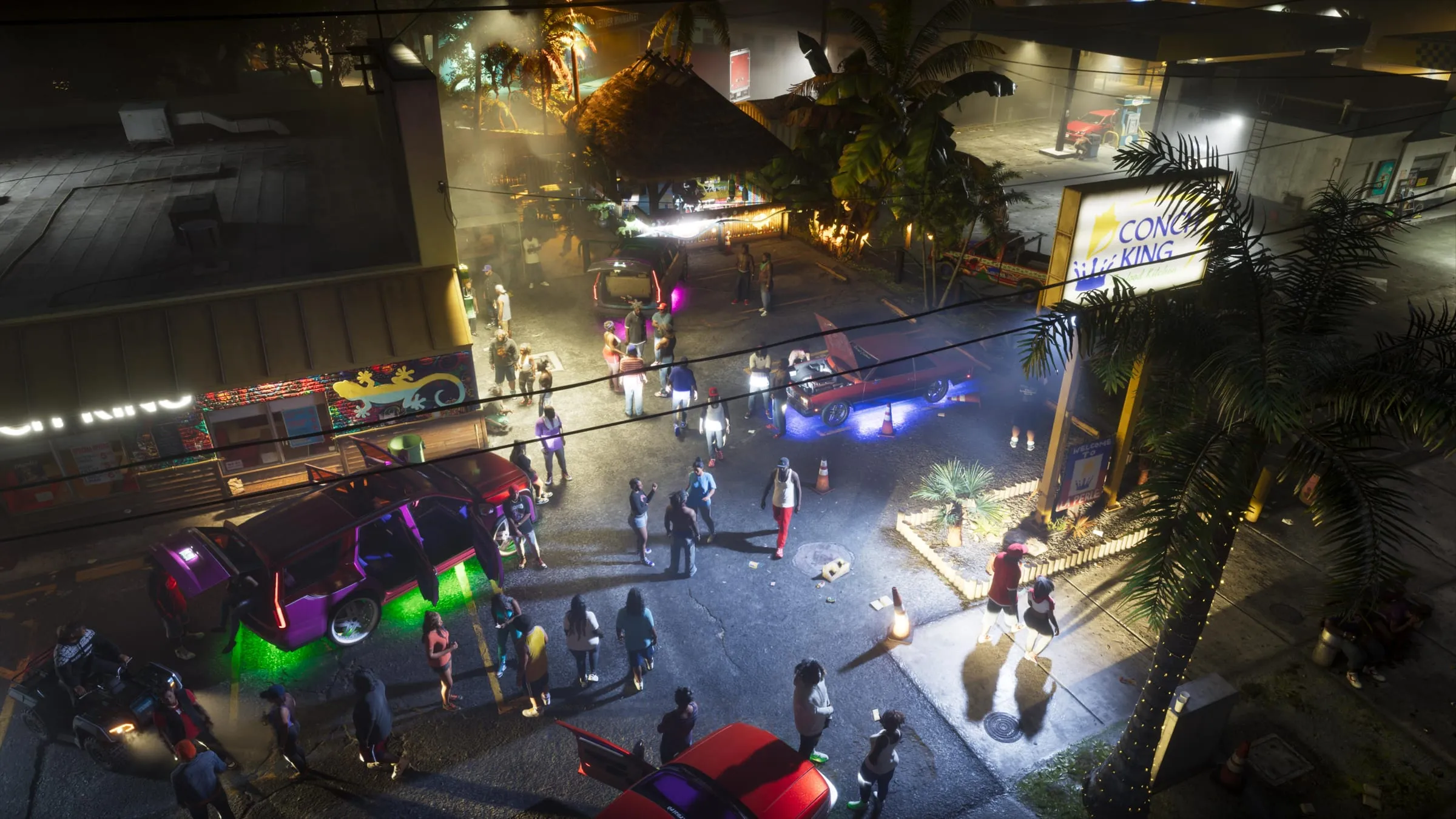
To change radio station in GTA 6, hold left on the D-pad: the radio wheel opens. While still holding it, press L1 or R1 (LB or RB on Xbox) to step through stations one at a time, or pick one with the right stick, then let go of the D-pad. It works the same on PS5 and Xbox Series X|S. Below: how to turn it off, how to listen on foot and the list of all 22 stations.
How to turn off the radio in a car
There are two ways, and they do different things:
- Turn it off now: open the wheel (left on the D-pad) and press X (A). Press again to turn it back on.
- Stop it starting by itself: under Settings > Audio, set Vehicle Radio to Off. From then on the radio stays silent when you get in a car, but a station you pick by hand still plays.
Can you listen to the radio on foot?
Yes, but not straight away: you need headphones. Buy a pair first, then put them on from the loadout wheel (hold L1, or LB, move to the items tab with R1, or RB, and pick the headgear slot with the right stick). From there the radio wheel opens with the same controls as in a car. Without headphones, outside a vehicle the radio only plays near a radio set.
All 22 GTA 6 radio stations
At the start there are 22 stations: 20 music stations and 2 talk stations. Each name links to the station’s page in our wiki, with confirmed hosts and tracks.
| Station | Genre |
|---|---|
| AfroBank FM | African music |
| Back Country Radio | country |
| The Chamber 106.6 | metal |
| CircoLoco Records Radio | electronic |
| Cocoteo FM | Latin |
| Dirty South Classics | Southern rap |
| Emotion 98.3 | power ballads |
| Flash FM | pop |
| Gloriana Blues Radio | blues |
| Honey FM | R&B |
| Kaleidoscope FM | synth pop |
| Leonida Jazz Radio | jazz |
| Radio La Ola | salsa |
| Radio On-U | reggae |
| Stockyard FM | party, electronic |
| Symphony FM | classical |
| VCRR | trap |
| Vice City FM | ’80s |
| V-Rock | rock |
| Worldwide FM | house |
| The Wipe | talk, discussion |
| WKTT | talk, commentary |
Genres are the ones VGC lists; labels vary a little from guide to guide. Every station carries parody ads and host segments, as tradition demands.
More controls
Other useful controls, from aiming to auto-drive, are in the guide to the settings to change right away. If you’re after the music outside the game, there’s the official album with the tracks Rockstar released.
In short
- Change station: hold left on the D-pad and press L1/R1 (LB/RB), or use the right stick; let go of the D-pad to confirm.
- Turn off: X (A) on the wheel; to stop it starting by itself, Settings > Audio > Vehicle Radio > Off.
- On foot you need headphones, bought and equipped.
- There are 22 stations: 20 music stations plus The Wipe and WKTT.
- According to one guide there’s also The Vault Radio, unlocked with a poster in The Vault nightclub.
Frequently asked questions
How do you change radio station in GTA 6?
Hold left on the D-pad to open the radio wheel, then press L1 or R1 (LB or RB on Xbox) to step through stations, or pick one with the right stick. Let go of the D-pad to confirm.
How do you turn off the radio in GTA 6?
Open the wheel with left on the D-pad and press X on PS5 (A on Xbox). To stop it starting every time you get in a car, go to Settings > Audio and set Vehicle Radio to Off.
How many radio stations are in GTA 6?
At the start, 22: twenty music stations and two talk stations, The Wipe and WKTT. According to one guide you can unlock a 23rd, The Vault Radio.
Can you listen to the radio on foot in GTA 6?
Yes, with headphones: buy a pair and equip them from the loadout wheel. Without them you only hear the radio in a car or near a radio set.
Does GTA 6 have Self Radio for your own music?
According to the guides published at launch, no: there’s no station for playing your own tracks.